
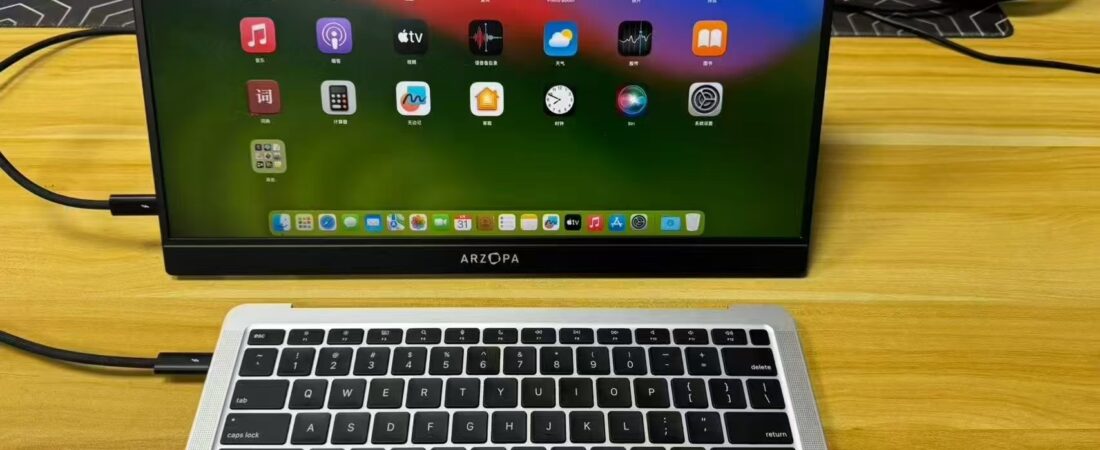
There is a category of product in China’s second-hand market that has no real equivalent in English.
The Chinese call it 无头骑士 — “the headless knight.” It’s a MacBook with either a broken screen or a deliberately removed display, sold specifically as a compact Linux server. The screen is dead weight when you’re running software 24 hours a day. The keyboard sits there unused. But the CPU, the RAM, the SSD, and the Unix underpinnings — those are exactly what you want for a small home server that never turns off.
There are entire listings on 闲鱼 (Xianyu, China’s secondhand market) specifically advertising these machines for one purpose: deploying a tool the Chinese tech community nicknamed 小龙虾 — “crayfish” — known in English as OpenClaw.
I wanted to run it. I asked AI to help me figure out how.
What Is OpenClaw and Why Did I Want to Run It?
OpenClaw is a self-hosted AI agent framework. Instead of relying on cloud services, you run an AI agent on your own hardware at home — it can browse the web, execute tasks, and operate autonomously on your local machine. The appeal is control: your AI, your hardware, your data, no subscription.
There was real excitement about this in Chinese tech communities. People were benchmarking mini PCs. Comparing RAM configurations. Posting terminal output as proof of progress.
I got pulled in. The question was: what hardware should I actually buy?
Option A: The Headless MacBook
The obvious premium answer was a headless MacBook Air M1. Broken-screen units from 2020 were selling for ¥999 to ¥2,488 on 闲鱼, depending on condition. Some sellers were writing “best tool for deploying OpenClaw” directly in their listings. The second-hand MacBook market had organized itself around this specific use case.
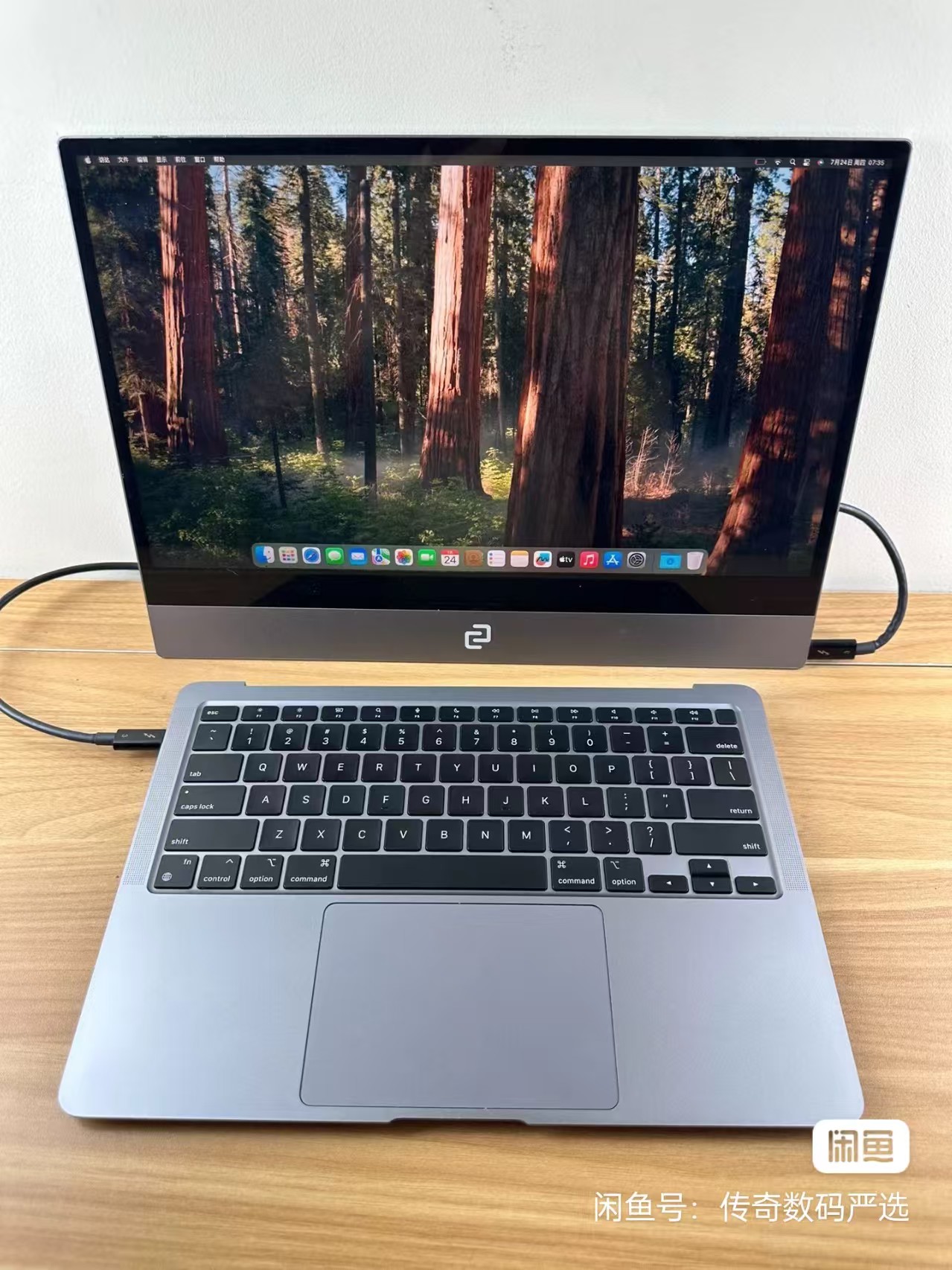
The M1 chip has genuine advantages for AI workloads. Unified memory architecture. Silent fanless design for 24/7 operation. A polished operating system that doesn’t require configuring Linux from scratch.
The AI’s assessment when I described my budget and use case: technically solid, but you’re paying for things a server doesn’t need.
Option B: The ¥340 Mini PC
AI pointed me toward refurbished enterprise mini PCs — specifically the HP ProDesk 400 G3 Mini series.
These are desktop computers the size of a thick paperback book. Companies buy them in bulk for office use, run them for a few years, then sell them into the second-hand market in large quantities. Because supply is high, prices have collapsed. Working machines with legitimate Windows licenses and room for upgrades go for a fraction of the headless MacBook price.
AI walked me through the comparison. What does running a local AI agent actually need? Mostly stable RAM, fast disk I/O, and a reliable network connection. The CPU sits mostly idle — AI agent work is largely waiting for network responses and writing outputs. The MacBook’s premium was paying for a chassis, a battery, and a screen — none of which I needed.
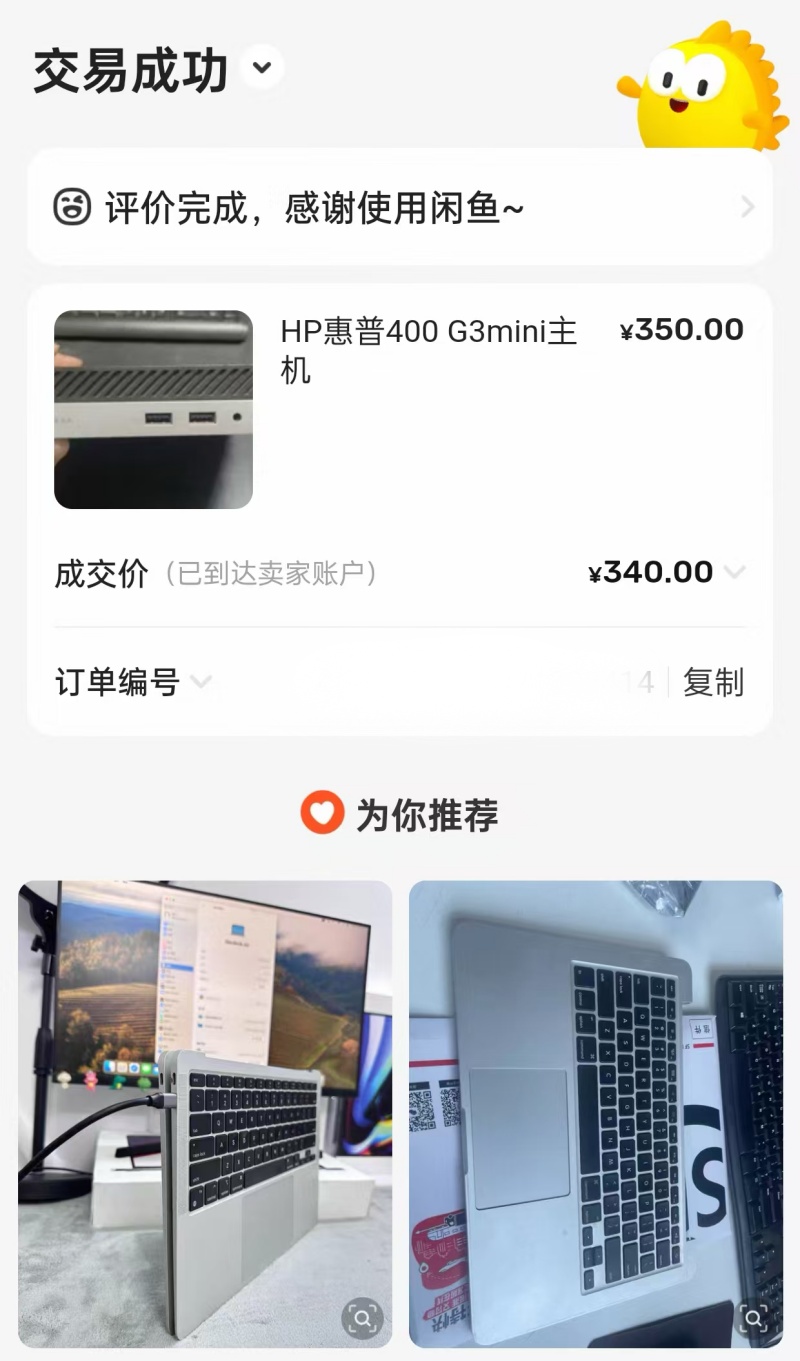
I found one on 闲鱼. HP ProDesk 400 G3 Mini. Pentium G4560T processor. 4GB RAM. Listed for ¥350.
I paid ¥340.
What Arrived and What I Found Inside
The machine arrived looking exactly like its listing photo. Palm-sized. Business grey. An HP logo on the front, a faded Windows sticker on the bottom.
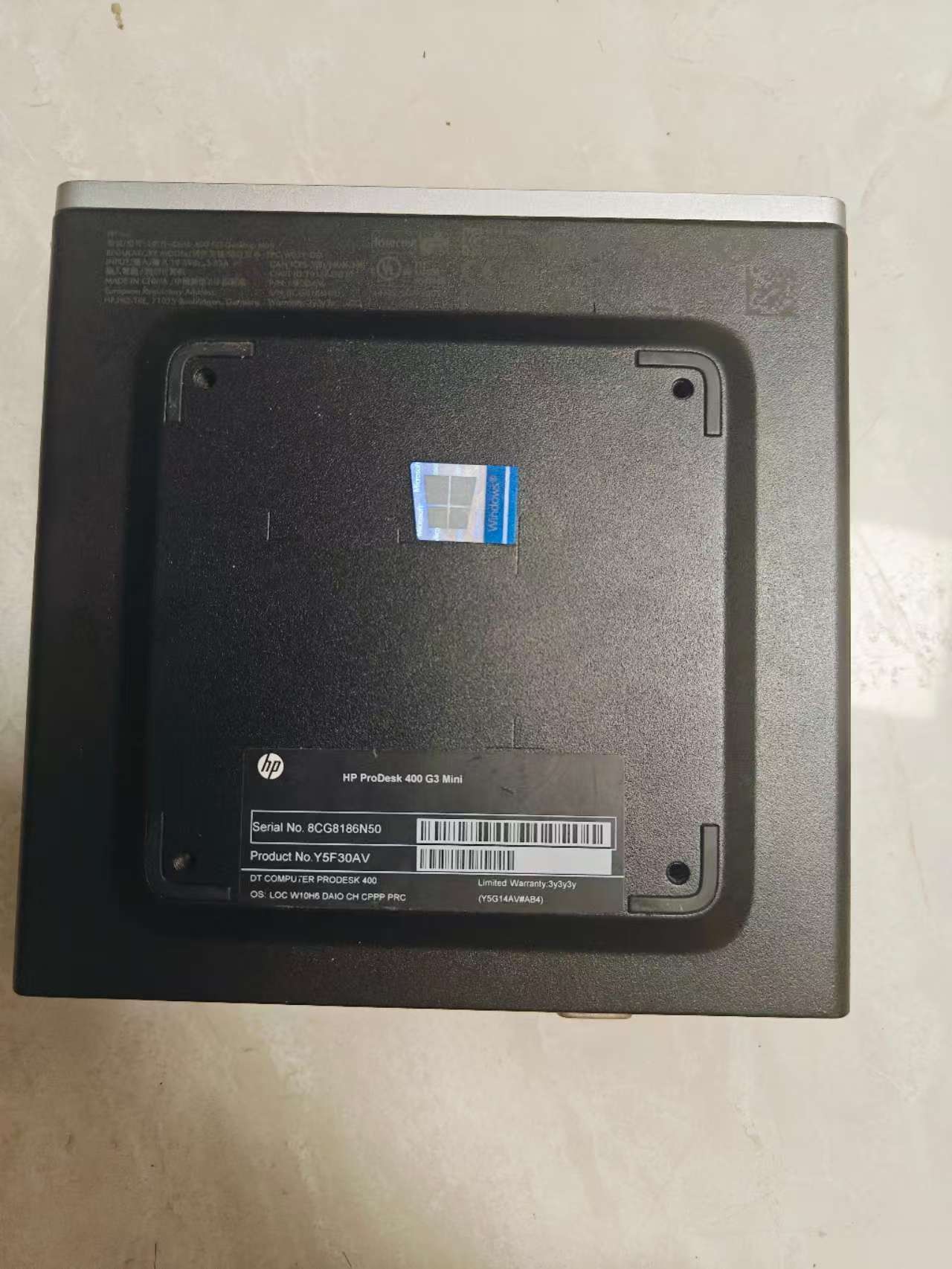
Opening it required removing two screws. Inside: a compact fan, an M.2 SSD slot, and 4GB of DDR4 RAM on a tidy little motherboard.
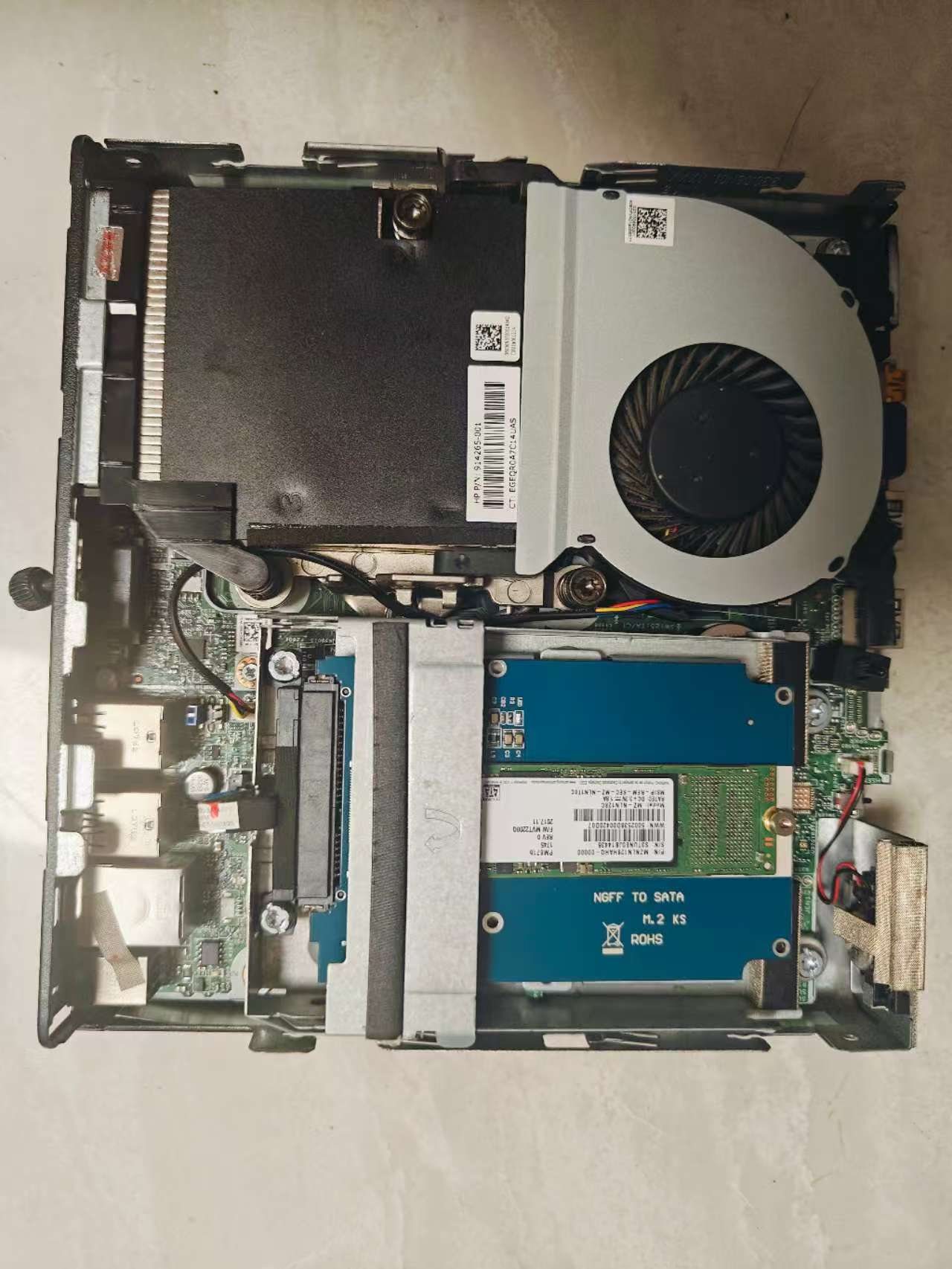
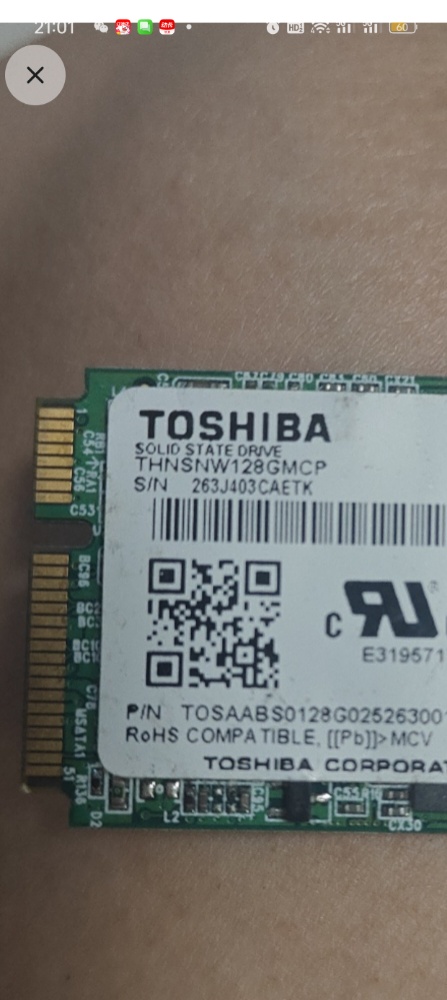
The original Toshiba 128GB M.2 SSD was exactly what the AI had warned me about. Slow controller. Low endurance. Fine for opening spreadsheets in an office; a bottleneck for an AI agent doing constant disk reads and writes.
The solution was already at home: my dad had a Samsung 850 EVO in his desktop doing very little. The AI had flagged this during the purchase discussion — check the household before spending on new storage. I swapped the drives.
AI as a Sysadmin
I installed Ubuntu. Then I asked the AI how to verify the machine was actually adequate before committing to a full software setup.
The AI wrote me a benchmark script on the spot. CPU test using prime number calculation. Memory read/write bandwidth. Disk I/O random read/write performance. It explained what numbers to target, what failure modes looked like, and what “good enough” meant for this specific workload.
The HP 400 G3 scored around 994 events per second on the single-core CPU test. Not impressive on paper. But the AI’s explanation was correct — for running an agent that mostly waits on network calls, you don’t need raw compute. You need headroom and stability. The machine had both.
The benchmark gave me confidence before I spent hours configuring anything.
The Part That Happened Before I Could Write About It
Here is the honest ending.
I set up the hardware. Ubuntu running cleanly. Samsung SSD performing well. A working server, benchmarked, configured, ready for the software layer.
By the time I sat down to document it, OpenClaw had already been superseded.
The tool I built the entire setup for had been effectively replaced by Hermes Agent, from Nous Research — a newer framework with a built-in learning loop, session awareness, and a self-improvement architecture that OpenClaw didn’t have.
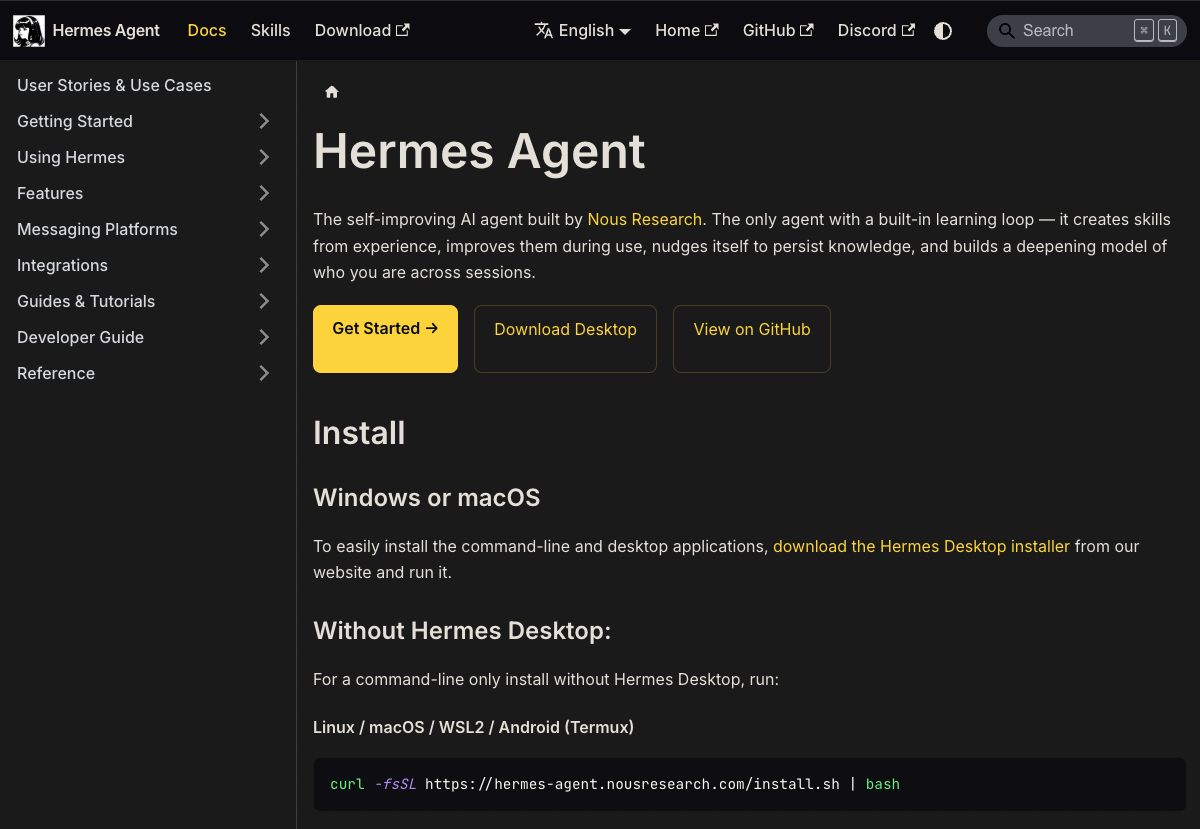
This is an accurate description of what it feels like to work with AI tools right now. The thing you read about on Monday might be obsolete by Thursday. The software ecosystem moves faster than hardware projects.
What I Actually Have
A ¥340 mini PC running Ubuntu, with a Samsung SSD in it, sitting quietly on my desk. It uses very little power. It makes almost no noise. It works.
It is now running Hermes instead of OpenClaw. Same server, different software.
The AI helped me pick the hardware. It helped me install the operating system. It wrote the benchmark scripts, explained the SSD tradeoffs, and will probably help me again when Hermes is replaced by whatever comes next.
The machine costs ¥340. It will outlast several generations of software running on it. In that sense, the decision to not spend ¥2,000 on the premium option looks increasingly reasonable. Hardware is a multi-year decision. Software in AI is a multi-month one.
I just try to keep the hardware cheap and the operating system clean.
Total hardware cost: ¥340. Software cost: free. Software shelf life: shorter than I expected.
Are you running any local AI tools at home? Curious what’s actually stable these days — the landscape keeps shifting.
Share your experience or thoughts below.
Related Reading
- How I Analyze Chinese Stocks with Claude Every Morning
- My Friend Is 45 and Works in IT. He Asked Me What to Do. I Asked AI. Here’s the Roadmap.
- My Dad Said “Just Use the AC.” I Asked AI Instead. ¥546 Later, I Barely Need It.
Free Tools From This Blog
Leave a Reply