
August 31, 2026
I almost paid $19.18 to renew a domain.
Then I asked AI a very ordinary question:
“Namecheap wants $19.18 to renew my domain, but Cloudflare says it costs around $10.80. Should I transfer it?”
A few minutes later, I was transferring my domain.
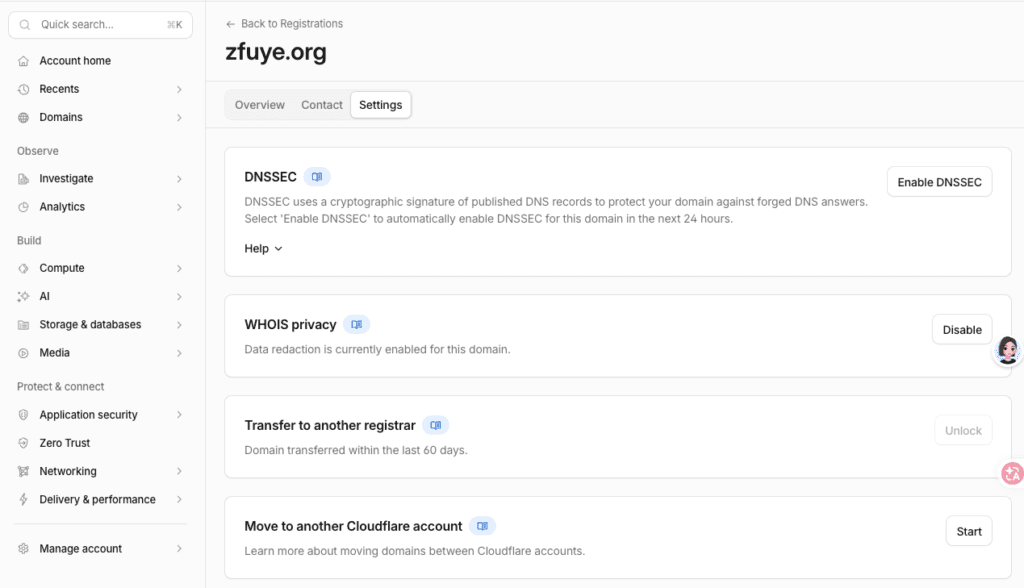
A little while after that, I was staring at this on my Cloudflare dashboard:
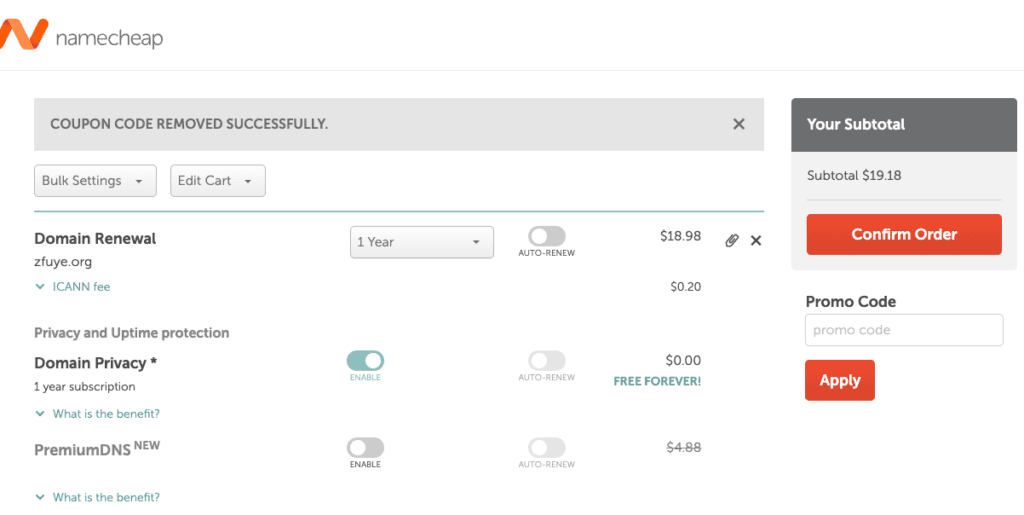
Status: Active
Expiration date: September 23, 2027
Renewal price: $11.20/year
Auto renew: On
The domain was zfuye.org.
And yes, this is a very small amount of money.
But that’s exactly why I think the story is interesting.
This wasn’t some complicated AI coding project.
It was a boring, annoying, slightly scary piece of internet administration that I probably would have postponed.
AI walked me through it.
And I learned something about what AI is actually useful for.
The problem was ridiculously simple
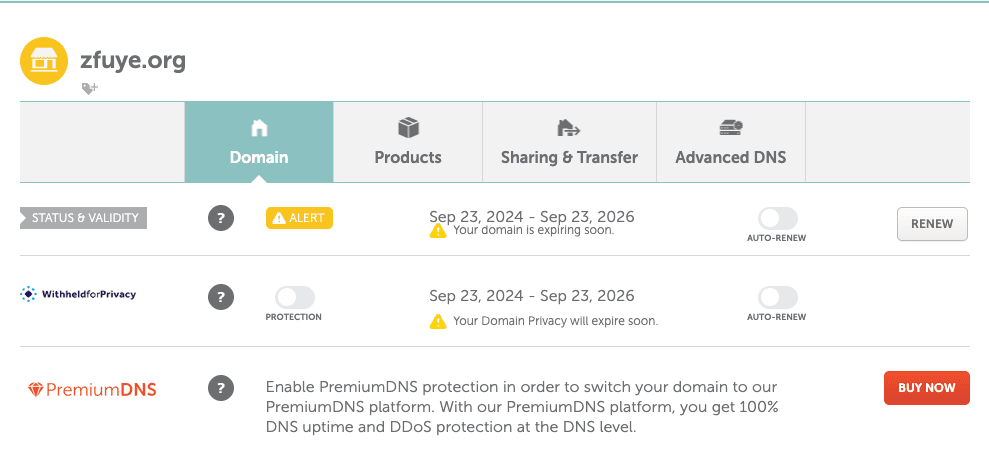
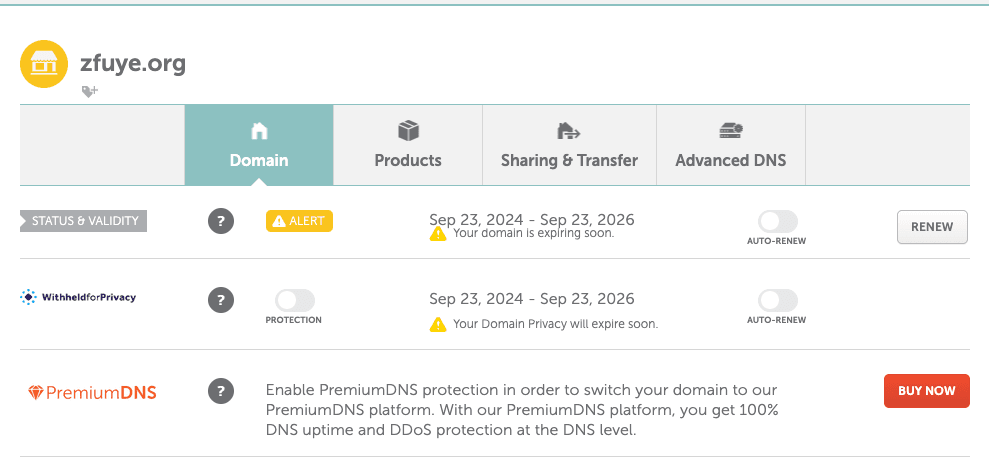
I have owned zfuye.org for a long time.
It was registered at Namecheap.
The expiration date was:
September 23, 2026.
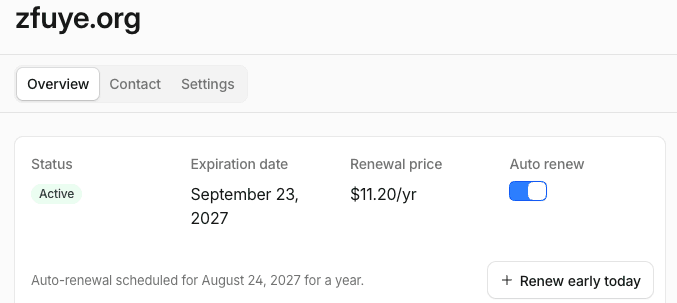
When I checked the renewal price at Namecheap, it was about:
$19.18 /year.
Then I noticed that Cloudflare offered the same .org domain for roughly:
$10.80/year.
My first thought was:
Why am I paying more for exactly the same domain?
So I asked AI whether I should move it.
The answer was basically:
Yes. You have more than three weeks before expiration. Don’t renew it at Namecheap first. Transfer it to Cloudflare instead.
That sounded easy.
It wasn’t.
Step 1: Is three weeks enough?
When I started this process, it was August 31.
My domain expired September 23.
That gave me only about 23 days.
I asked:
“Is it too late to transfer a domain with only 20-something days left?”
AI explained that a registrar transfer is different from simply renewing a domain.
Cloudflare’s documentation says most transfers add one year to the current expiration date. Cloudflare also says its Registrar charges the registry/ICANN cost without an additional markup.
That meant I didn’t need to pay Namecheap $15.80 first.
I could transfer the domain directly.
So I decided to try it.
Step 2: The mysterious Auth Code
The next thing Namecheap asked for was an Authorization Code, also called an EPP Code.
Namecheap sent me an email containing something like:
:XXXXXXXXXXXX:XX;
And this is where I discovered something funny.
I stared at the code and thought:
“Wait. Are those punctuation marks actually part of the code?”
There was even a backslash in the way the text appeared.
I asked AI.
AI told me not to guess.
That was good advice.
An authorization code is an exact string. You don’t “clean it up.” You don’t remove punctuation because it looks strange.
The rule was simple:
Copy exactly what the registrar gives you.
So I copied it and entered it into Cloudflare.
Step 3: Then Cloudflare scared me
After submitting the transfer, Cloudflare showed:
Wait for your domain to be released
It said the transfer could take up to seven days.
My immediate reaction was:
“Wait. Is my website going to be offline for seven days?”
No.
This was one of the things I had to understand during the process.
Domain transfer is not the same thing as moving your website.
I wasn’t moving my files.
I wasn’t changing my hosting server.
I wasn’t rebuilding my website.
I was simply moving the registration of the domain from one registrar to another.
The website could continue running.
That distinction made the whole process much less scary.
Step 4: Then I noticed another problem
I realized something else.
The registrant information I had entered at Cloudflare wasn’t exactly the same as the information at Namecheap.
I immediately thought:
“Oh no. Did I just mess up the transfer?”
Again, AI told me not to panic.
A registrar transfer is not the same thing as selling a domain to another person.
I wasn’t transferring ownership of zfuye.org to somebody else.
I was transferring the domain registration from:
Namecheap → Cloudflare
I decided not to start changing information in the middle of the transfer.
That was probably the right decision.
Step 5: Namecheap sent me the most useful email
Then Namecheap emailed me.
The subject was:
DOMAIN NAME TRANSFER – Confirmation of Registrar Transfer Request
The message said that Namecheap had received my request to transfer zfuye.org to another registrar.
And then it gave me two choices:
Approve
or
Reject
It also said that if I did nothing, the transfer would proceed automatically after September 5.
But if I wanted to speed things up, I could click Approve.
That was the moment when the transfer suddenly became very real.
I asked AI:
“Is this the button I should click?”
AI said yes.
So I clicked Approve.
Step 6: “Approve completed successfully.”
And then:
Approve completed successfully.
That’s when I knew the Namecheap side was done.
I went back to Cloudflare.
And eventually the dashboard showed:
Status: Active
Then I saw the expiration date.
September 23, 2027.
That was the satisfying part.
I hadn’t renewed it at Namecheap.
I had transferred it.
And the registration now extended one year from the old expiration date.
Cloudflare’s documentation confirms that most domain transfers add one year to the registration period.
The number I actually care about
Here’s the final comparison.
| Namecheap | Cloudflare | |
|---|---|---|
| Renewal price I saw | ~$19.18/year | $11.20/year |
| Registrar | Namecheap | Cloudflare |
| New expiration | 2026-09-23 | 2027-09-23 |
| Auto renewal | — | On |
So the actual saving shown in my account is:
$19.18 − $11.20 = $7.98 per year.
Not life-changing money.
But here’s the thing.
I have started buying more domains for my little internet experiments.
One domain is nothing.
Five domains is:
$40/year.
Ten domains:
$80/year.
Twenty domains:
$160/year.
And unlike some random discount code, this isn’t a one-time coupon.
It’s a recurring cost difference.
The bigger lesson wasn’t the $8
Honestly, I don’t think the $8 is the most interesting part.
The interesting part was how little expertise I needed to do something that initially felt risky.
I didn’t know:
- whether 23 days was enough
- whether I should renew before transferring
- what the strange Auth Code punctuation meant
- whether the transfer would take my website offline
- whether different registrant information would cause a problem
- whether I should approve the transfer
- what would happen after clicking Approve
I could have spent an hour searching forums and documentation.
Instead, I asked AI each time I reached the next confusing screen.
The workflow looked like this:
Me:
“I see this. What does it mean?”
AI:
“Here’s what it means. Do this next.”
Me:
“Now I see this. Is it safe?”
AI:
“Yes. Here’s what to check.”
Me:
“Now Namecheap sent me this email.”
AI:
“Click Approve.”
And then it worked.
This is what I think AI is really good at
People often talk about AI as if its main purpose is to generate code, write essays, or create images.
Those things are useful.
But I’m increasingly interested in another use:
AI as a personal technical guide.
Not necessarily an expert who does everything for you.
More like someone standing next to you while you do something unfamiliar.
You still click the buttons.
You still own the accounts.
You still make the final decision.
But instead of staring at an unfamiliar control panel thinking:
“What the hell does this mean?”
you can ask:
“What does this mean?”
That difference is surprisingly powerful.
One important warning
There is one thing I would not recommend.
Don’t blindly trust AI with domain transfers.
Domains are valuable.
If you’re transferring an important business domain, you should still verify critical information against the registrar’s official documentation.
In my case, I checked Cloudflare’s documentation as I went along.
Cloudflare says its Registrar operates at cost without markup and that domains are automatically enrolled in auto-renewal by default.
And there are real transfer restrictions.
For example, if you recently renewed a domain after it expired and then transferred it within 45 days, the normal one-year extension may not be added.
So the correct philosophy isn’t:
“Let AI do everything.”
It’s:
“Let AI explain what I’m doing, while I verify the important parts.”
Would I do it again?
Yes.
Absolutely.
The domain didn’t disappear.
The website didn’t go offline.
I didn’t have to rebuild anything.
I didn’t lose the domain.
And now Cloudflare shows:
Active — September 23, 2027
with:
$11.20/year renewal
and automatic renewal enabled.
A few clicks.
A little nervousness.
One weird-looking authorization code.
One approval email.
Done.
The funny thing about saving $8
My wife might reasonably ask:
“You spent all that time to save five dollars?”
She’s not completely wrong.
But I don’t think that’s the point.
I learned how domain transfers actually work.
I learned the difference between a registrar and a web host.
I learned that transferring a domain doesn’t mean moving a website.
And next time I need to move another domain, I won’t be nervous.
That’s probably worth more than $8.
Still…
I’ll take the $8.
Every year.
Update: August 31, 2026
This wasn’t written from a tutorial I found online.
I actually did the transfer while writing this story.
The domain is now active at Cloudflare.
Old registrar: Namecheap
New registrar: Cloudflare Registrar
Old expiration: September 23, 2026
New expiration: September 23, 2027
Current Cloudflare renewal price: $11.20/year
One ordinary domain moved.
One recurring expense reduced.
And another small thing that used to feel “too technical” became something I could handle with AI sitting beside me.
Maybe that’s the real experiment I’m running with all these AI projects.
Leave a Reply