
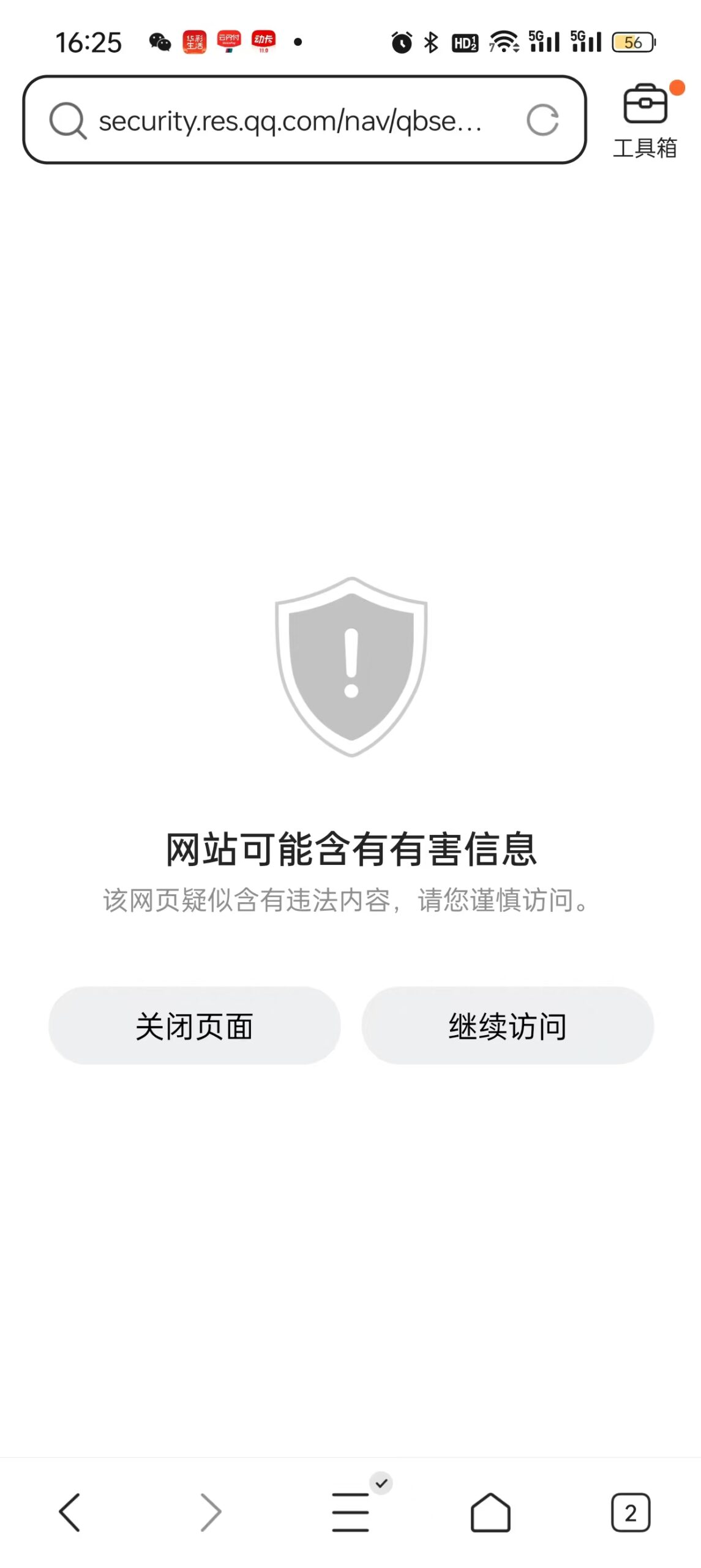
“Hey — your website just redirected my phone to a sketchy site.”
That was the message from a reader. My first reaction: impossible. I run a simple WordPress blog. No ads. No suspicious plugins. Nothing sketchy.
So I grabbed a phone that had never visited my site before, opened a non-Chrome browser, and loaded my homepage.
It redirected. Instantly. To a malicious site I had never heard of.
The worst part: it only targeted first-time mobile visitors. As the site owner — someone who visits constantly — I had no idea it was happening. My most valuable readers, people discovering my site for the first time, were the ones getting hijacked.
This is the story of how I spent two days hunting down a hidden redirect buried inside my Chinese website — using AI as my investigation partner — and what I discovered about the hidden costs of “free” Chinese internet tools.
The Symptom: Mobile Visitors Getting Hijacked
The redirect was sneaky. It only triggered on mobile devices, and only on the first visit (no repeat redirects to the same device). On desktop, the site loaded perfectly. If you’d already visited before, nothing happened.
This is classic malware design: make it hard to reproduce, hard to spot, and hard to blame on anything specific.
The redirect chain looked like this:
My website → oictn3y7.jrd01.com → ih***i.cc/?a=03585855That ?a=03585855 at the end is an affiliate ID. Someone was making money every time one of my readers landed on that malicious redirect site. That someone was not me.

The Investigation: Eliminating Every Suspect
I opened Claude and described exactly what was happening. Together, we built a checklist and eliminated suspects one by one. Here is every single thing we checked — and what we found.
Files Checked (All Clean)
| File | What We Looked For | Result |
|---|---|---|
.htaccess | Server-side redirect rules targeting mobile User-Agent | ✅ Clean — only standard WordPress + LiteSpeed rules |
wp-config.php | Injected PHP code at top/bottom | ✅ Clean — standard WordPress configuration |
functions.php | Malicious PHP functions | ✅ Clean — 3-line relay to functions-theme.php (normal for this theme) |
functions-theme.php | eval(), base64_decode(), window.location, userAgent checks | ✅ Clean — 75KB of legitimate theme logic |
loader.js | Mobile redirect JavaScript | ✅ Clean — RequireJS module loader |
main.js | userAgent checks, window.location redirects | ✅ Clean — theme UI logic |
tracker.js | Malicious tracking code | ✅ Clean — WP Statistics plugin |
swiper.min.js | Injected redirect code | ✅ Clean — standard slider library |
beacon.min.js | Malicious external calls | ✅ Clean — Cloudflare Analytics |
Database Checked (Clean)
WordPress stores theme settings in the database. We checked the headcode and footcode fields — both empty. No injected JavaScript anywhere in the theme options table.
Plugins Checked (Clean)
Ad Inserter — which can inject code into pages — was thoroughly checked. All 16 blocks were inspected. Only blocks 1 and 2 had content, both were my own promotional links. Nothing suspicious.
After checking everything, the verdict was uncomfortable: all local files were clean. The malware was not living on my server. It was coming from somewhere else.
The Culprit: 51.la Analytics Script
Near the bottom of the page HTML, buried among legitimate scripts, we found this:
<script charset="UTF-8" id="LA_COLLECT" src="//sdk.51.la/js-sdk-pro.min.js"></script>
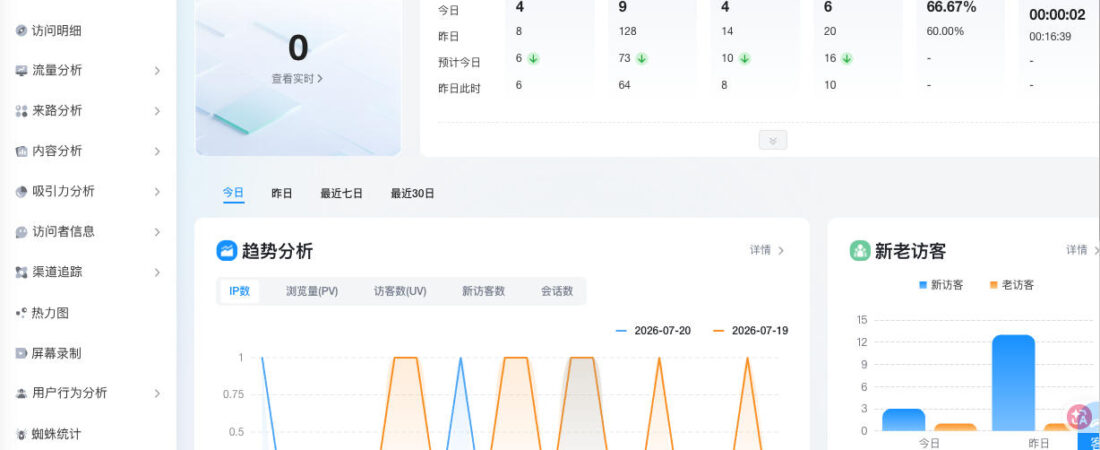
<script>LA.init({id:"Ki3Ext3X2JPr9Gaa",ck:"Ki3Ext3X2JPr9Gaa"})</script>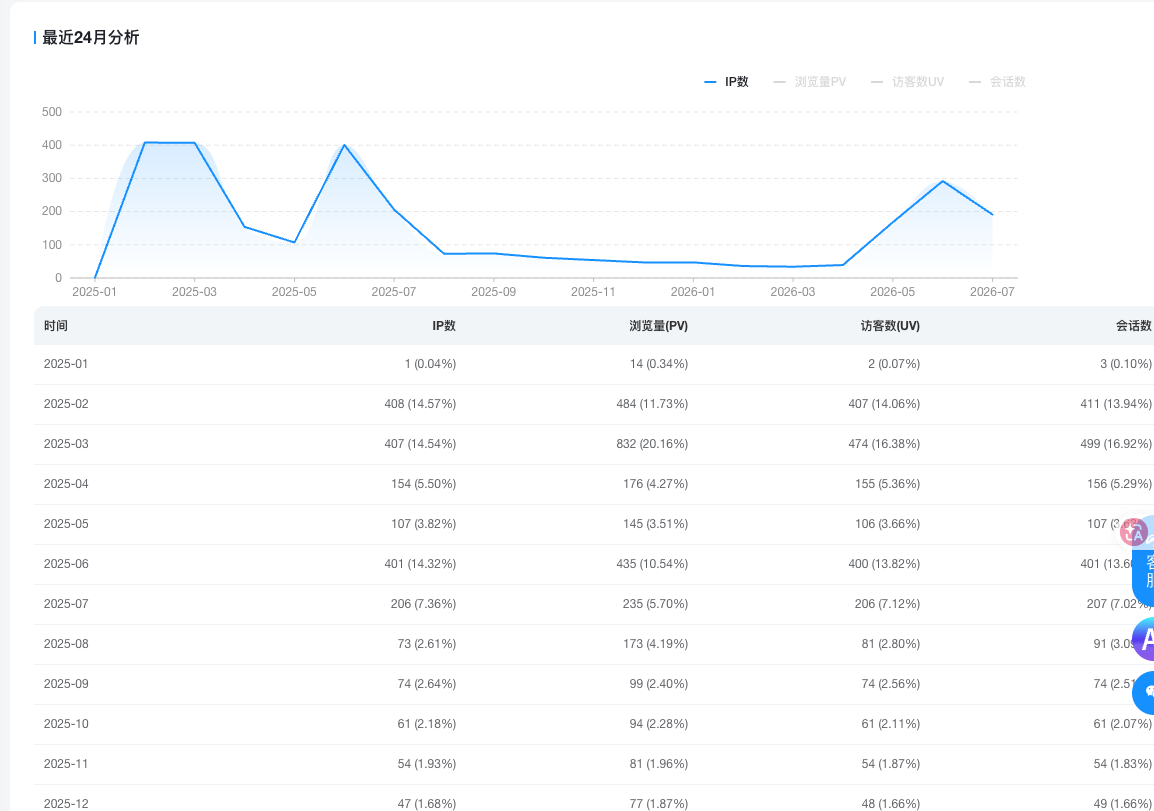
51.la is a Chinese web analytics service — a free, popular alternative to Google Analytics for Chinese websites. Millions of Chinese webmasters use it. I’d installed it months ago and forgotten about it.
The problem: 51.la’s CDN had been compromised, or 51.la itself was injecting redirect code as a monetization scheme. Their JavaScript, loaded from an external server I didn’t control, was running on every page of my website — and on mobile non-Chrome browsers, it was redirecting first-time visitors to a malicious affiliate site.
Why Chrome Didn’t Redirect
Chrome has Google Safe Browsing built in. The destination spam site (ihgshi.cc) was already in Google’s blocklist. Chrome silently blocked the redirect before it could execute — no warning, no visible behavior. Users on Safari, QQ Browser, or other mobile browsers had no such protection.
This is also why the malware designers specifically excluded Chrome from the redirect logic. If Chrome users got redirected, Google would detect it immediately and flag the site. Non-Chrome mobile users are the blind spot.
Why It Only Happened on the First Visit
This confused me for a long time. The redirect would happen, then stop. A day later, it would happen again on a different device. But never twice on the same phone.
The mechanism is cookie-based:
- User visits the site → 51.la script checks for a cookie
- No cookie found → redirect to spam site → set cookie
- User visits again → cookie exists → no redirect
- Cookie expires (after days or weeks) → next visit triggers again
This design makes the malware extremely hard to catch. The site owner visits regularly, always has the cookie set, never sees the redirect. First-time visitors — the most valuable traffic — are the ones getting hijacked.
The Fix: Remove 51.la
One action. Remove the 51.la plugin. Clear the server cache.
We then verified the fix:
- Tested on 2 different phones (neither had visited before)
- Tested on 2 different IP addresses (WiFi + mobile data)
- Tested across multiple browser types
- Result: zero redirects across all combinations
The redirect was gone. Every local file was clean. The attack had never touched our server — it lived entirely in 51.la’s external CDN.
What This Reveals About “Free” Chinese Analytics Tools
51.la is free. It has been free for years. Millions of Chinese webmasters use it.
Free analytics tools need to make money somehow. For some, the model is clear: they sell aggregated data, offer premium plans, or run ads. For others, the model is less visible.
Injecting a redirect script that sends mobile visitors to an affiliate spam site — while excluding Chrome to avoid Google detection — is one way to monetize the traffic flowing through millions of websites simultaneously. The affiliate ID ?a=03585855 in the redirect URL makes it clear someone was getting paid per click.
Whether this was 51.la’s official behavior, a compromised CDN node, or a third party who had infiltrated their infrastructure — I don’t know. What I know is: their script was running on my site, and my visitors were being sent to a malicious redirect site.
If you run a Chinese website and use 51.la, check your site on a mobile non-Chrome browser you’ve never used before. First visit. See what happens.
A Honest Reflection: What Would I Have Done Without AI?
I want to be direct about something: if this had happened two years ago, I would have had no idea where to start.
My backup plan? Download all my blog posts, delete everything, reinstall WordPress from scratch, and rebuild the site from zero. Time-consuming, stressful, and it wouldn’t even fix the root cause — because the malware wasn’t in my files at all.
With AI as an investigation partner, I was able to systematically eliminate every possible source, understand why the redirect only triggered on mobile non-Chrome first visits, and pinpoint the exact script responsible — all without touching a single line of code manually.
This is what AI actually does well: it doesn’t replace your judgment, but it gives you a structured way to work through problems that would otherwise feel completely overwhelming. For a non-technical blogger running a site alone, that’s genuinely transformative.
Lessons Learned
- Third-party scripts are a blind spot — not just Chinese ones. Wordfence scanned all my files and found nothing — because nothing on my server was infected. External scripts bypass every local security check. This applies to any free analytics tool, CDN service, or plugin from any country: once you add a remote script to your site, you’re trusting that server indefinitely.
- Free tools have hidden costs. 51.la was free. The cost was paid by my visitors, redirected to malicious spam sites without their knowledge.
- Chrome’s silence is not safety. When Chrome doesn’t show an error, it doesn’t mean the site is safe — it might mean Chrome is silently blocking something your other users aren’t protected from.
- First-visit only = designed to evade owners. If you test your own site regularly, you’ll never trigger a first-visit redirect. Test from incognito, from a friend’s phone, from a device that’s never visited your site.
- Use analytics tools you control. Google Analytics, Cloudflare Analytics, or self-hosted tools like Matomo. Don’t hand script execution rights to third-party Chinese CDNs.
What I Use Instead
After removing 51.la, I replaced it with tools I actually control:
- Google Analytics 4 — Free, data stored on Google’s servers, no CDN injection risk. The obvious choice for most sites.
- Cloudflare Analytics — If your site runs behind Cloudflare, their analytics are built into the edge layer. Zero JavaScript injection, zero third-party scripts.
- Plausible / Umami — Privacy-focused, open-source alternatives. Plausible is hosted (paid), Umami can be self-hosted for free.
The common thread: these tools don’t need to inject external JavaScript from a CDN you don’t control. That’s the attack surface 51.la exploited.
One More Thing: Your Hosting Provider Matters Too
After all this, I moved my main English blog to Hostinger. Fast global servers, free SSL, malware scanning built in, and a control panel that actually shows you what’s running on your site.
Not affiliated with the 51.la incident — but the contrast is stark. A hosting provider that invests in security infrastructure is one less attack surface to worry about.
👉 Get started with Hostinger — plans from $2.99/month.
(Disclosure: the Hostinger link above is an affiliate link. I only recommend tools I actually use.)
Check Your Own Website Now
- Google Safe Browsing: transparencyreport.google.com
- Sucuri SiteCheck: sitecheck.sucuri.net — free malware scanner
- urlscan.io: urlscan.io — see every external script your page loads
- Test on a fresh mobile browser — incognito mode, or a phone that’s never visited your site
Are you running a website with free third-party analytics scripts? Drop a comment below — have you ever noticed unexpected redirects, or checked whether your analytics tool is making calls you didn’t authorize? I’d like to know how widespread this is.


Leave a Reply